Content is added to SupportBee's Knowledge base site as categories, and articles under categories.
Visit KB > Categories and click on 'Add category' to add a new category to your site. Once you add a category, you can click on 'New article' to add content under the category. A category can have many articles under it, and an article can have many sections under it.
Reordering categories
You can change the order of categories by dragging and dropping them in the order that you prefer. Once you are done with the re-ordering, click on 'Save category positions' to lock the new order in place.
Reordering articles
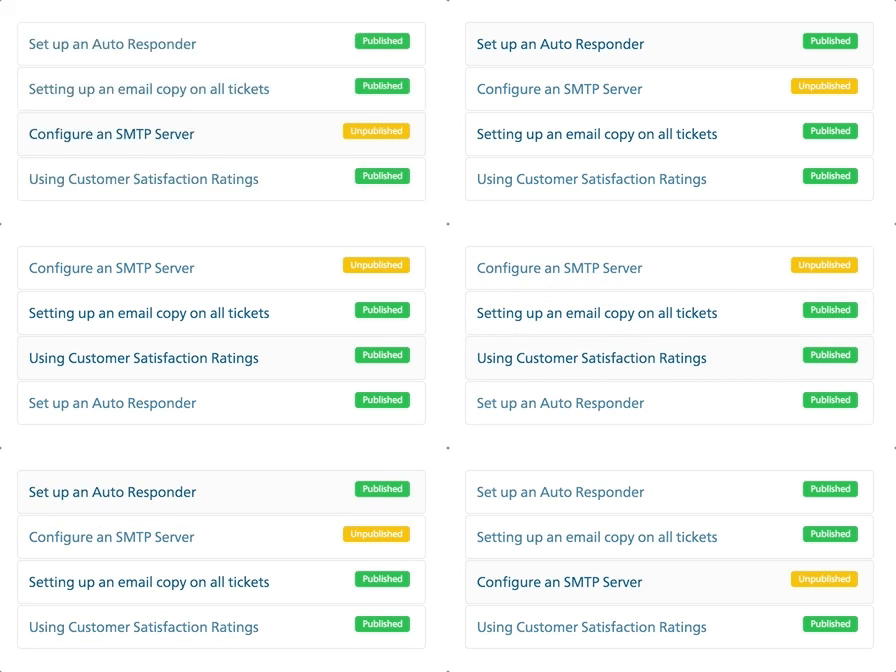
To reorder articles within a category:
- Visit KB > Categories and choose the category.
- Drag and drop the articles in the order that you prefer.
- Once you are done with the re-ordering, click on 'Save article positions' to lock the new order in place.
Adding inline images
You can add inline images by dragging and dropping images into the editor or by clicking the 'image' icon in the reply editor to add an image from a URL.
Embedding videos in articles
You can embed videos using links from Vimeo, Youtube, and Loom. All you have to do is add the video link, and it will be automatically embedded in your article.
Attaching files to articles
You can add documents like PDFs, or images and videos that don't belong inline, by dragging and dropping, or choosing the 'Click here' option in the attachment section of the editor.
File size limits
There are no limits on the number of articles or the size of an article. However, there is a size limit on attachments. Each attachment can be a maximum of 25 MB in size.
Draft articles
Unpublished articles will be listed in the category listing with the 'unpublished' tag.