One of the most common help desk software functions is to assign tickets to other team members. In SupportBee, you can assign tickets to users or teams
Assigning tickets to users
After you have added users to your helpdesk,
- Select tickets you want to assign in the listing and click 'Assign'. You can also open a ticket and click Assign.
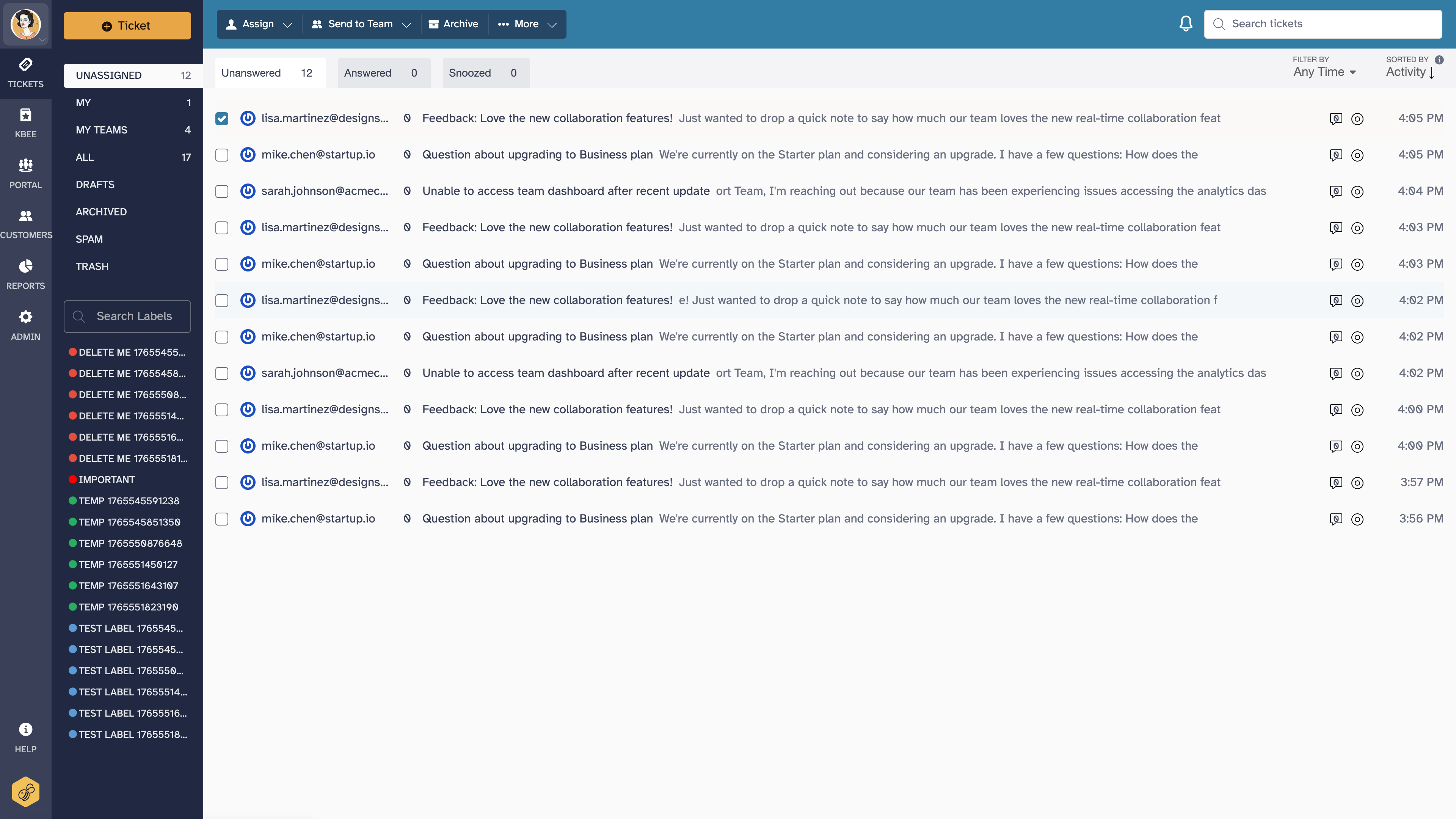
- From the list of users, select the user you want to assign the ticket to
- Click 'Assign'
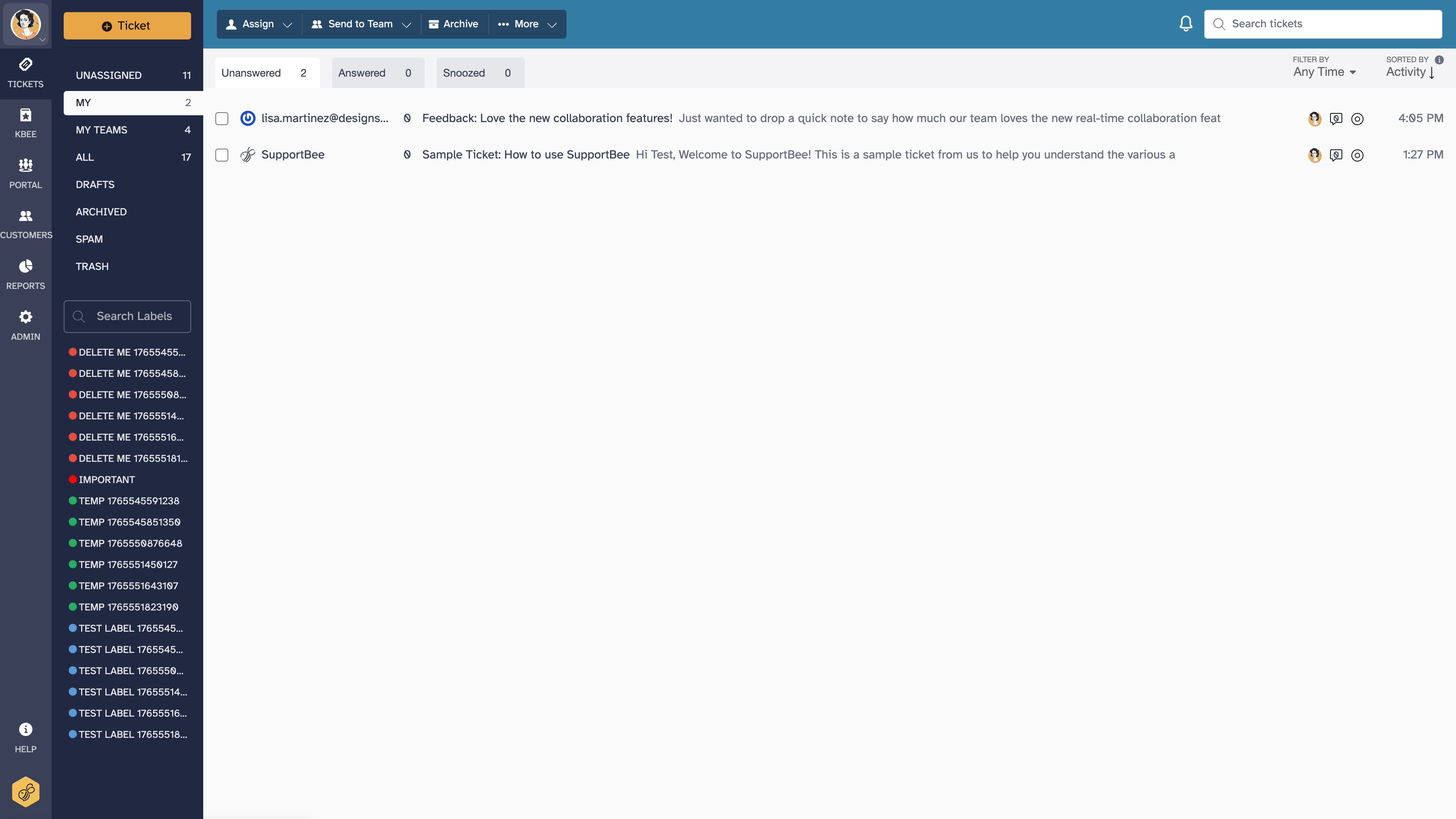
The ticket will be assigned to the user and the assignment information changed in the ticket or listing.
User notifications for ticket assignments
An email notification is sent to a user when a ticket is assigned to him/her. The ticket will also be marked as assigned in the ticket window, as well as the main ticket interface.

Accessing your assigned tickets
You can access all the tickets that are assigned to you in the 'My Tickets' section in the left navigation bar.
Automatic assignment with filters
Instead of manually assigning every ticket, you can set up filters to automatically assign tickets based on conditions. This is useful for routing tickets to the right person without manual triage.
Common automatic assignment rules:
- By receiving email address - Assign tickets that arrive at [email protected] to your billing specialist, and tickets at [email protected] to your engineering team
- By sender domain - Route all tickets from a specific customer's domain (for example, @bigclient.com) to their dedicated account manager
- By subject keywords - Assign tickets containing "refund" or "cancel" to a specific agent who handles those requests
To set up automatic assignment:
- Go to Admin > Filters
- Create a new filter with the conditions you want to match
- Set the action to "Assign to user" and select the agent
Filters run on incoming tickets as they arrive. They do not apply retroactively to existing tickets.
Domain-based assignment for key accounts
If your team has dedicated agents for specific customers or companies, domain-based assignment is the most reliable approach. Create a filter that matches the sender's email domain and assigns to the appropriate agent.
For example, to route all tickets from a key account:
- Condition: Sender email contains
@bigclient.com - Action: Assign to the designated account manager
This ensures that every email from that customer reaches the right person immediately, regardless of subject line or which support address they used. If the account manager is unavailable, other agents can still see and respond to the ticket from the assigned agent's queue.