SupportBee's search makes it easy to find tickets using keywords or by looking up a specific customer.
Keyword search
To search for tickets containing specific words, simply type your search term in the search box and press Enter. SupportBee will search through ticket subjects, messages, and replies to find matching tickets.
For example, searching for "password reset" will return all tickets that contain those words.
Searching by customer email
When you need to find all tickets from a specific customer, start typing their name or email address in the search box. As you type, a list of matching customers will appear as suggestions.
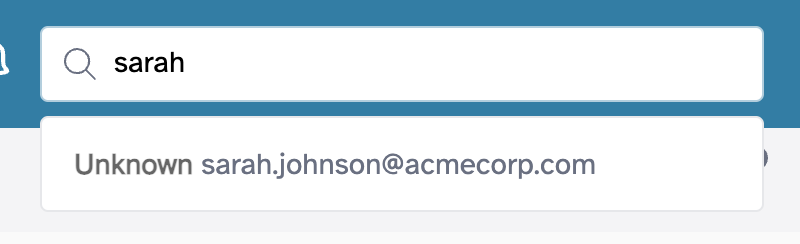
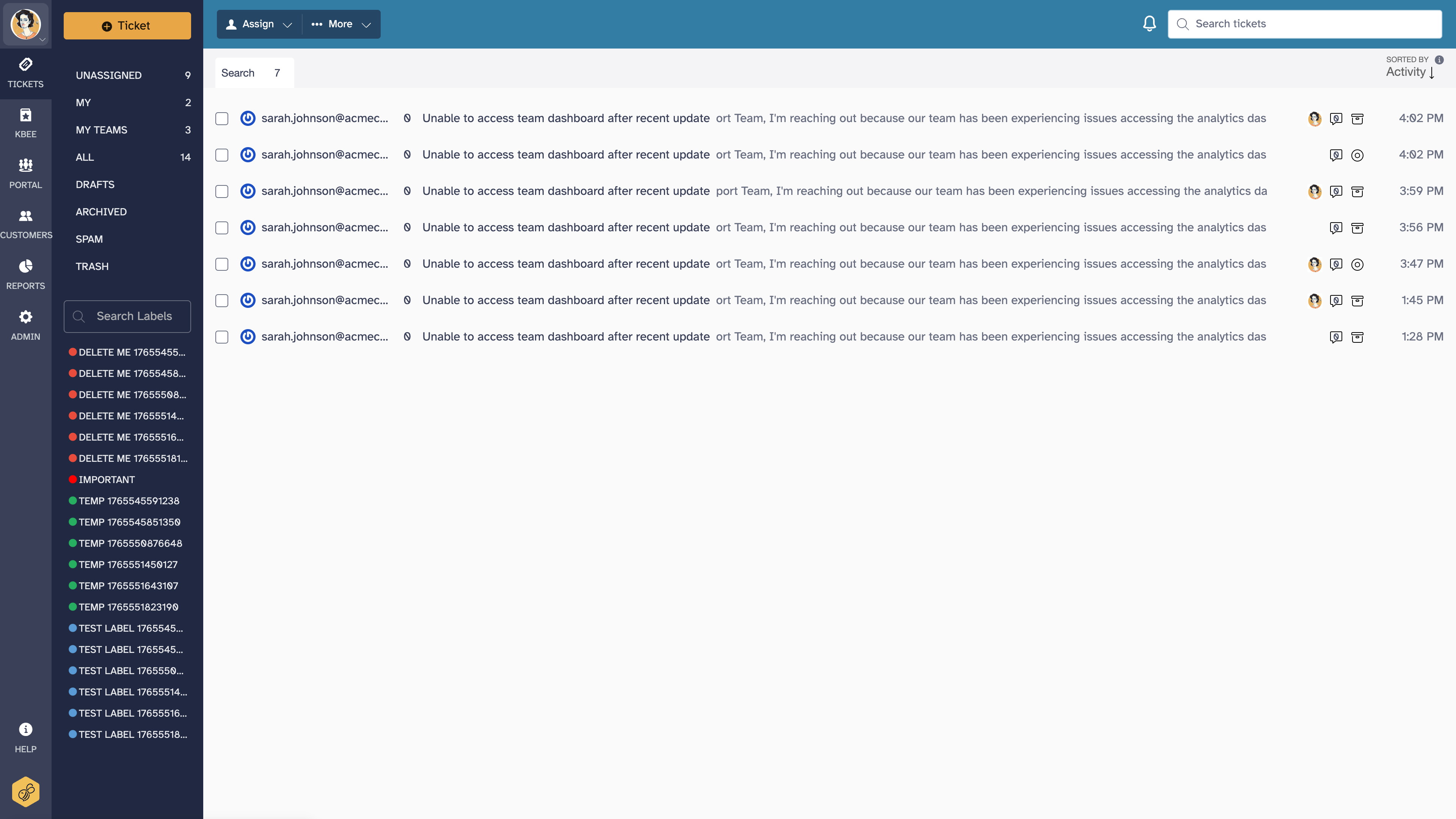
Click on a customer from the suggestions to see all their tickets. This is useful when you want to review a customer's support history or find a previous conversation.
Searching archived tickets
Search results include archived tickets by default. Archived tickets appear alongside unanswered and answered tickets in the results, with a visual indicator showing their archived state.
If you are looking specifically for an archived ticket, you can also browse the Archived section in the left navigation menu and use the search box from there.
Bulk selecting tickets from search results
After running a search, you can select multiple tickets from the results to perform bulk actions:
- Use the checkboxes next to each ticket to select individual results
- Once tickets are selected, the bulk action bar appears at the top of the list
- Available bulk actions include archiving, assigning to an agent or team, and applying labels
This is useful when you need to clean up a batch of related tickets - for example, selecting all tickets about a resolved outage and archiving them at once.
Advanced search tips
- Exact phrases - Wrap your search in quotes to match an exact phrase. Searching for
"shipping delay"returns only tickets containing that exact phrase, not tickets with "shipping" and "delay" in separate places. - Customer name or email - Type a name or email address to trigger customer suggestions. Selecting a customer shows all their tickets, which is faster than searching by keyword when you know who you are looking for.
- Combine with filters - After searching, you can use the ticket list filters (unanswered, answered, archived) to narrow results by state. You can also filter by assigned agent or team.
- Search by label - Use the label filter in the left navigation to view all tickets with a specific label. This works well when your team uses labels consistently for categorization - see Managing Labels.
- Recent tickets first - Search results are sorted by most recent activity, so the newest matching tickets appear at the top.