Email management built for law firms
Every client email tracked, assigned, and answered
Your firm's reputation depends on responsiveness. When a potential client sends an intake email, they expect a prompt reply. When an existing client follows up on a matter, they expect someone to know the history. SupportBee gives your firm one place to manage every client email - so nothing falls through the cracks and every communication is on the record.
How it works for your firm
A simple workflow that fits how legal teams actually work
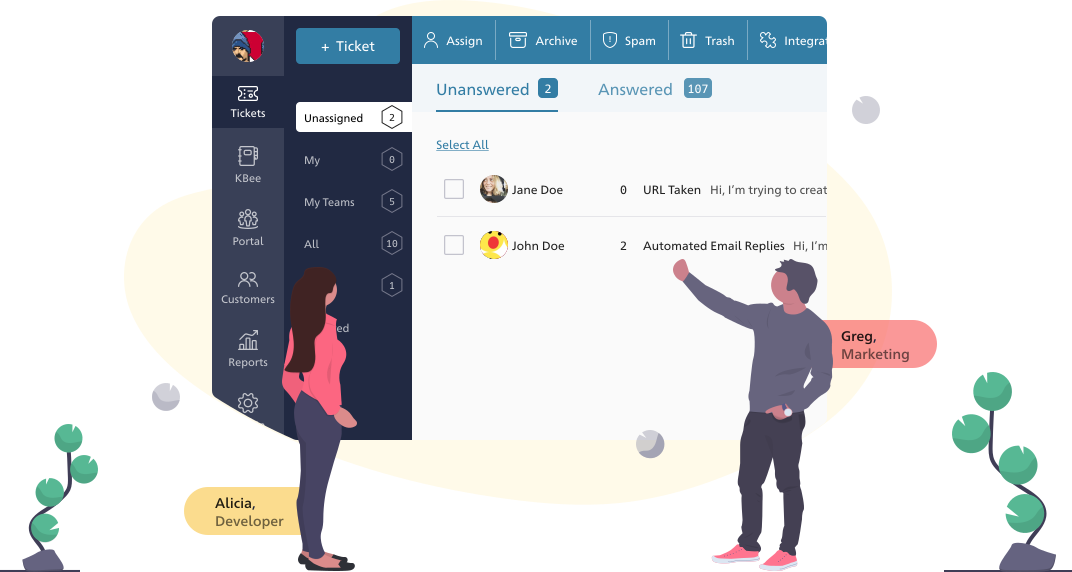
Never miss a client intake email
A missed intake email can mean a lost case worth tens or hundreds of thousands of dollars. SupportBee pulls every email into one shared inbox so no inquiry slips through the cracks. Every message is visible, tracked, and accounted for.
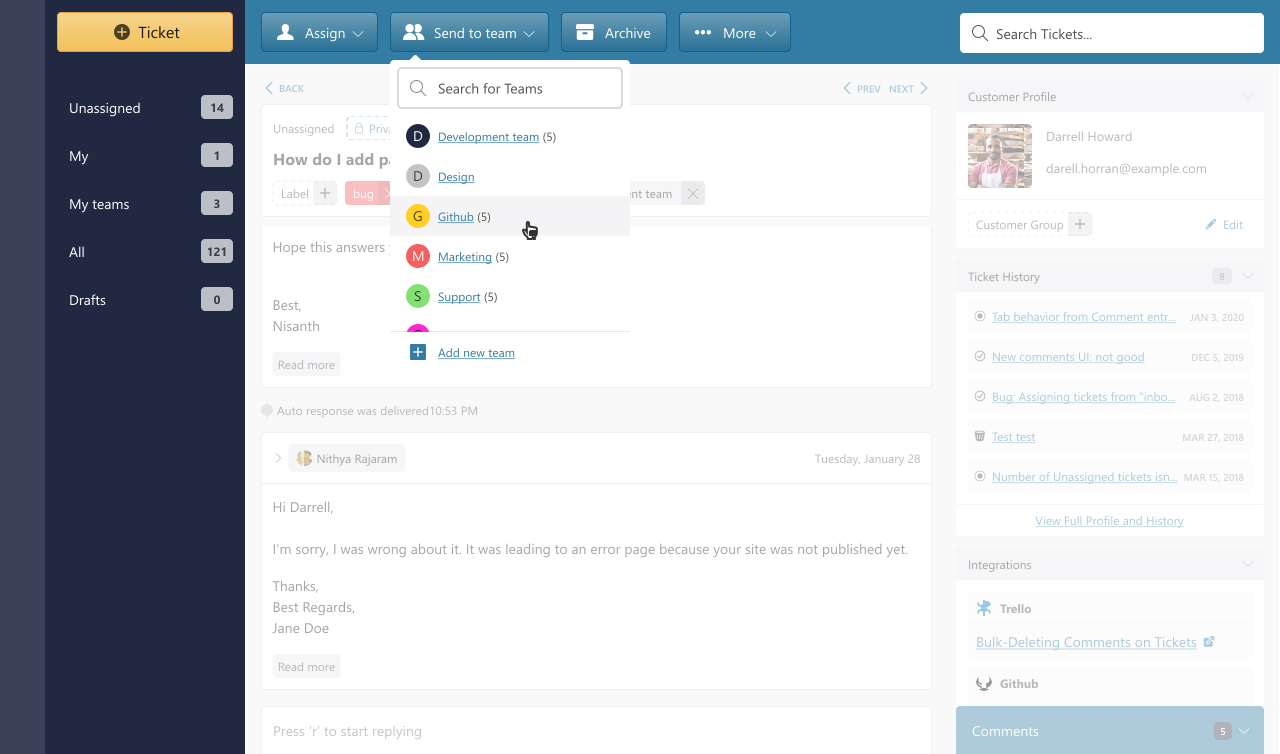
Route to the right attorney or paralegal
Set up teams by practice area - Litigation, Corporate, Family Law, Estate Planning. When a client email arrives, assign it to the right team or individual in two clicks. Attorneys see only the matters relevant to their practice. No more forwarding chains between partners and associates.
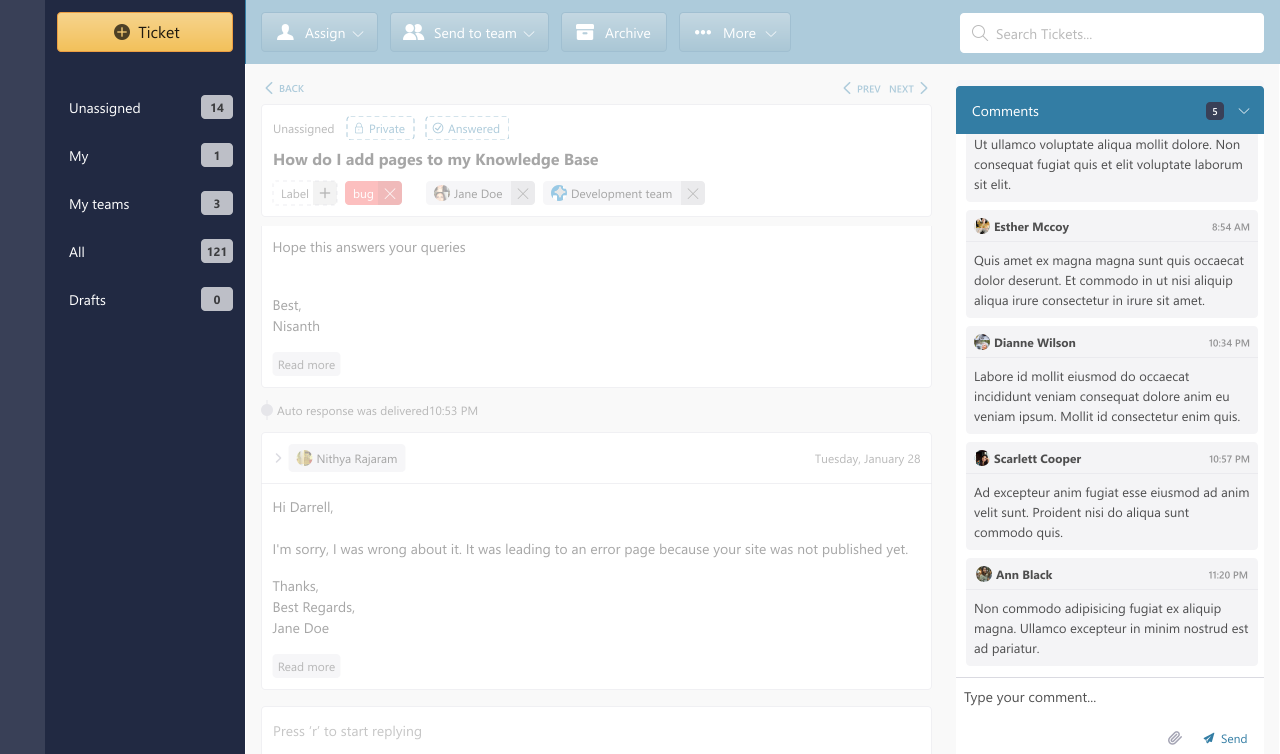
Collaborate confidentially
Use private comments to discuss a matter with a colleague before responding to a client. Have a senior attorney review a draft reply. Loop in a paralegal for research. All internal discussion stays behind the scenes - clients only see the final response.
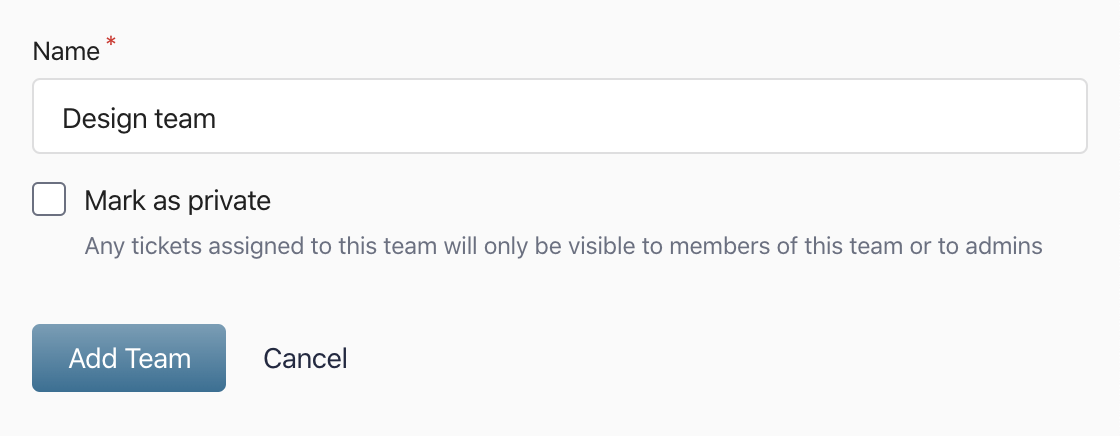
Information barriers between practice areas
Firms that handle matters across practice areas need to control who sees what. SupportBee's private teams restrict ticket visibility so that only members of that team and account admins can view the emails assigned to it. An attorney in Family Law does not see Corporate matters, and vice versa. This works like an ethical wall built directly into your inbox - no additional software, no manual access lists, and no risk of someone stumbling into a conversation they should not be part of.
A complete communication record
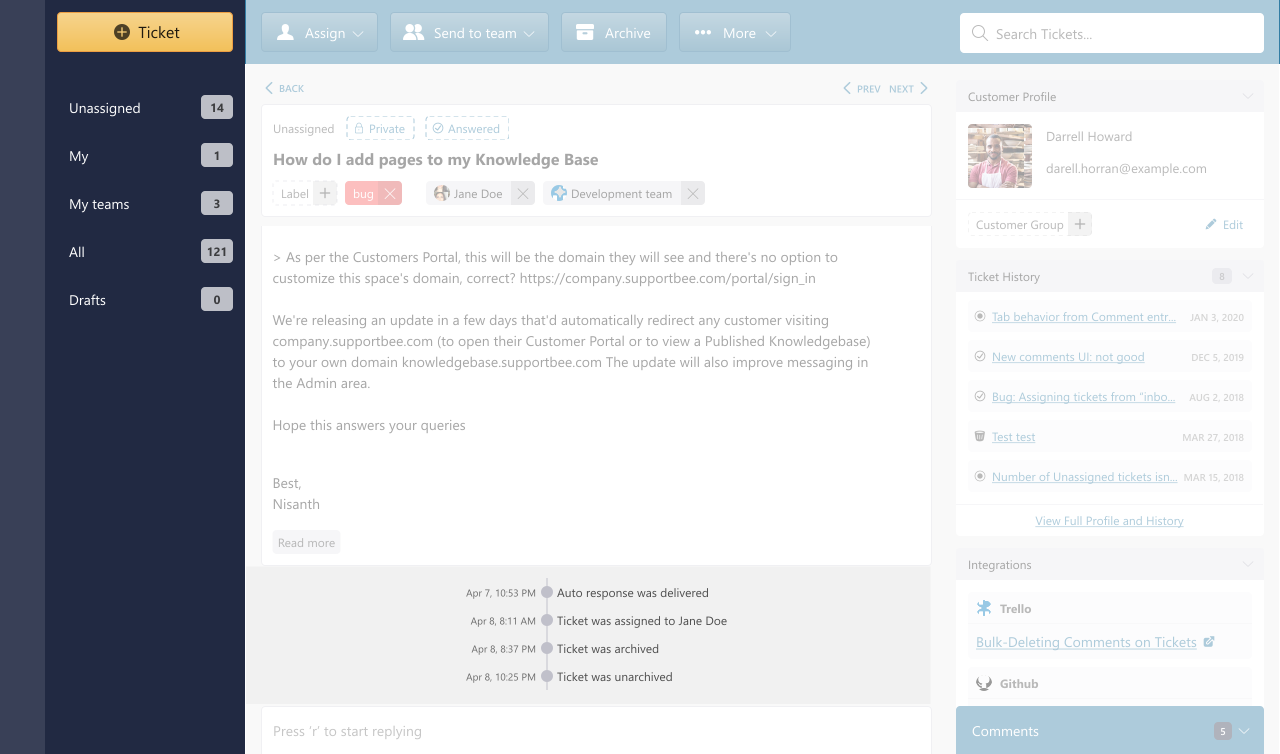
Every email, reply, internal comment, and assignment is recorded with timestamps. When regulators ask questions, when matters transition between attorneys, or when you need to demonstrate diligence - the record is there. Complete, searchable, and reliable.
Beyond email
Tools that help your firm serve clients better
Knowledge Base for procedures and templates
Document intake procedures, standard response templates, and frequently referenced legal resources. Your team finds answers faster. New associates and paralegals get up to speed without interrupting senior attorneys.
Client Portal for secure case updates
Give clients a private portal to check the status of their matters, view past correspondence, and submit new questions. Clients stay informed without calling the office for updates.
Confidentiality controls by practice area
Mark any team as private and its emails become invisible to everyone outside that team. Useful when your firm needs separation between practice groups - for conflict checks, sensitive matters, or internal investigations that only certain attorneys should access.
Integrations for law firms
Connect SupportBee with the tools your firm already uses



Questions about SupportBee for law firms?
Common questions from legal teams evaluating SupportBee
How does SupportBee help with client communication obligations?
Rules of professional conduct require attorneys to keep clients reasonably informed about the status of their matters and respond to reasonable requests for information. SupportBee makes this easier by giving your firm a single, searchable record of every client communication.
Every email, reply, and internal note is timestamped and stored. When a client asks for an update, any authorized attorney or paralegal can see the full history and respond accurately. Nothing depends on one person's memory or personal inbox.
Can clients see internal discussions about their matters?
No. Private comments and internal notes are only visible to your team. Clients only see the replies you send them. You can discuss strategy with a colleague, flag an issue for a partner, or assign research to a paralegal - all without the client knowing.
This separation is built into how SupportBee works. There is no risk of accidentally exposing internal notes in a client-facing reply.
How do practice area access controls work?
You create teams for each practice area - Litigation, Corporate, Family Law, and so on. When you mark a team as private, any email assigned to that team becomes visible only to its members and account admins. Everyone else in the firm simply cannot see it.
This acts as an information barrier built into the inbox. If your firm handles matters where practice groups must not share information - conflict situations, sensitive internal investigations, or matters with competing interests - private teams enforce that separation automatically. There is no per-email permission to manage and no risk of accidental exposure.
How long does it take to set up SupportBee for a law firm?
Most firms are up and running in under an hour. You connect your existing email address (like [email protected]), invite your team, and create teams for your practice areas. There is no software to install and no IT department required. SupportBee works in any web browser.
From our blog
Guides and comparisons to help you choose the right support tools.