Auto Archive Tickets After Reply
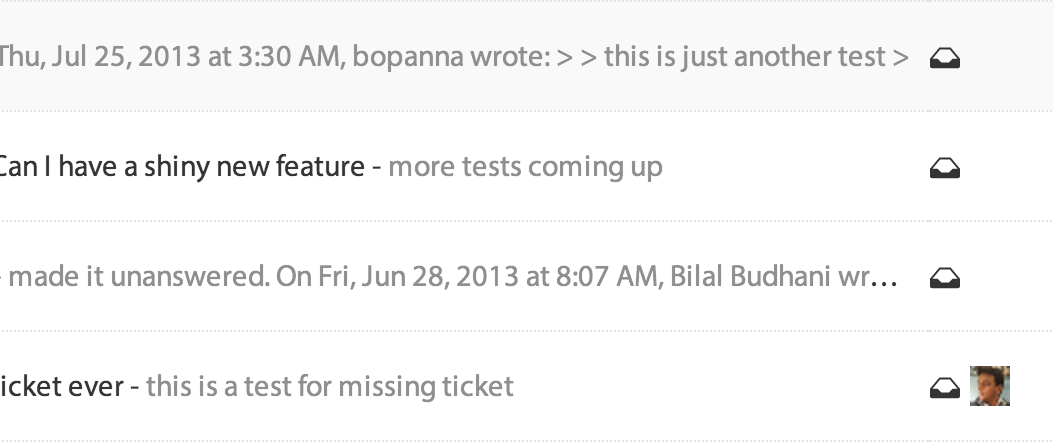
SupportBee's Archive After Reply integration automatically archives a ticket the moment your team sends a reply. No extra clicks, no manual cleanup. You reply, the ticket moves out of your inbox, and you move on to the next one.
This is SupportBee's classic workflow mode. It works best for teams where most tickets need a single reply - password resets, order confirmations, quick how-to questions, or billing clarifications. One reply resolves the issue, and the ticket clears itself from view.
How Auto Archiving Works
When this integration is active, every reply an agent sends triggers automatic archiving. The ticket moves from your active inbox to the archive instantly.
Here is what happens step by step:
- A customer emails your support address
- SupportBee creates a ticket in your shared inbox
- An agent reads the ticket and sends a reply
- The ticket is automatically archived - no manual action needed
- If the customer replies again, the ticket reopens and reappears in your inbox
The automatic reopening on customer reply is important. Archiving does not close the conversation permanently. It simply clears resolved tickets from your working view so you can focus on what still needs attention.
Why Auto Archive Matters
A cluttered inbox slows your team down. When answered tickets sit alongside unanswered ones, agents waste time scanning for what actually needs a response.
Keep your inbox focused. Only unanswered tickets remain visible. Your team sees exactly what needs action and nothing that does not.
Eliminate busywork. Without this integration, agents reply and then manually archive. That extra click adds up across hundreds of tickets per day. Auto archiving removes it entirely.
Maintain accurate metrics. Tickets move to the archive at the exact moment of reply, giving you precise data on response times and resolution speed. No lag from agents forgetting to archive.
Reduce training overhead. New agents do not need to learn a multi-step process. They reply, the ticket archives. The workflow is obvious from the first day.
When to Use Archive After Reply
This integration works best for teams with these patterns:
- High-volume, low-complexity support - FAQ-style questions, shipping updates, account confirmations
- One-touch resolution workflows - Issues that typically need a single reply to resolve
- Small teams - Where simplicity matters more than complex ticket routing
- Email-heavy support - Where most interactions are straightforward email exchanges
If your team handles more complex multi-reply conversations, you may prefer using manual archiving alongside Assign After Reply to keep tickets assigned to the responding agent through the full resolution.
Setting Up Archive After Reply
Setup takes less than a minute:
- Open your SupportBee admin panel and go to Integrations
- Find Archive After Reply under the Workflow section
- Click Add to enable it
- That is it - every future reply will auto archive the ticket
There are no additional settings to configure. The integration applies to all tickets across all your inboxes. If you want to disable it later, simply remove the integration from your settings.
Pair with Other Workflow Integrations
Archive After Reply works well alongside SupportBee's other workflow tools:
- Show Ticket Number - Include a reference number in replies before archiving, so customers can reference their ticket later
- Extract Sender from Email - Correctly identify the real customer when emails come from forwarding systems or noreply addresses
For teams that want their support workflow to feel as simple as regular email, Archive After Reply combined with SupportBee's shared inbox and knowledge base delivers a clean, fast experience.
Start your free 14-day trial and enable auto archiving in under a minute - no credit card required.
More Workflow Integrations



From our blog
Guides and comparisons to help you choose the right support tools.



Try the Archive After Reply integration free
Set up SupportBee in under five minutes. No credit card required.
Start Free Trial