Email management built for accounting firms
Stop losing client emails in personal inboxes
Your firm runs on email. Clients send tax documents, ask about deadlines, and follow up on filings. When those emails land in personal inboxes, things fall through the cracks - especially during busy season. SupportBee gives your firm one place to see every client email, who is handling it, and what still needs a reply.
How it works for your firm
A simple workflow that fits how accounting teams actually work
One inbox for every client email
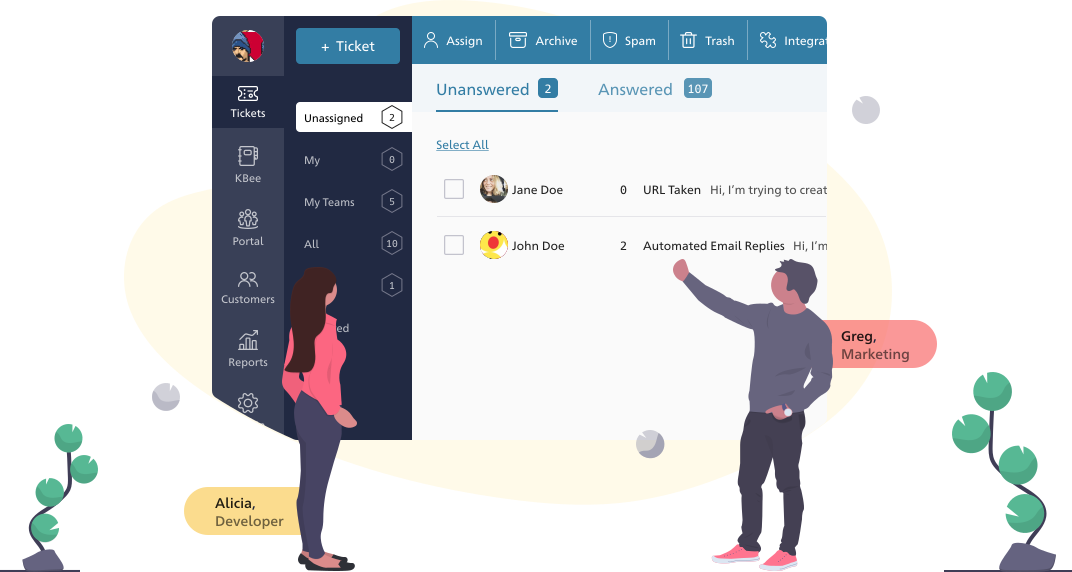
Tax season means hundreds of emails from dozens of clients - and they all need answers. SupportBee pulls every client email into one shared inbox so nothing gets lost in personal mailboxes. Every message is visible to the team, with a clear owner and status.
Assign to the right person at your firm
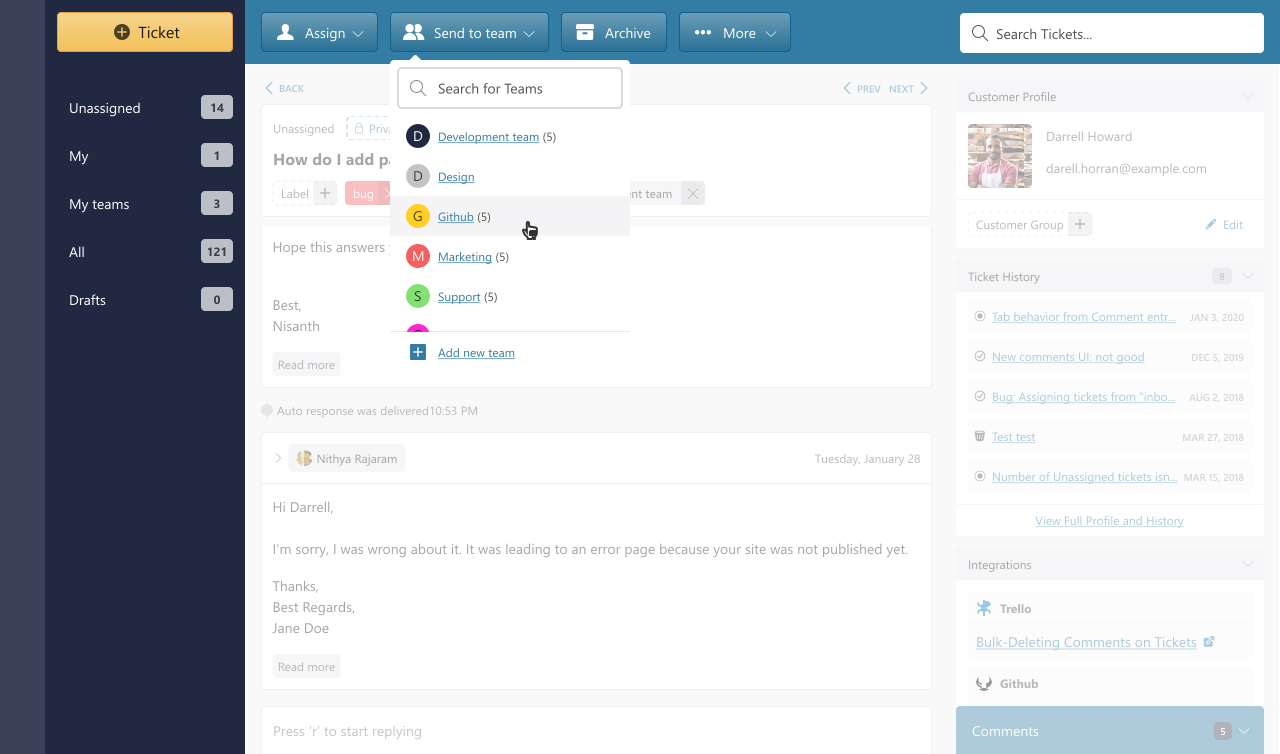
Set up teams for Tax, Audit, and Advisory. When a client email arrives, assign it to the right team or person in two clicks. Everyone sees what they are responsible for. No more forwarding emails between partners and staff.
Discuss internally before you respond
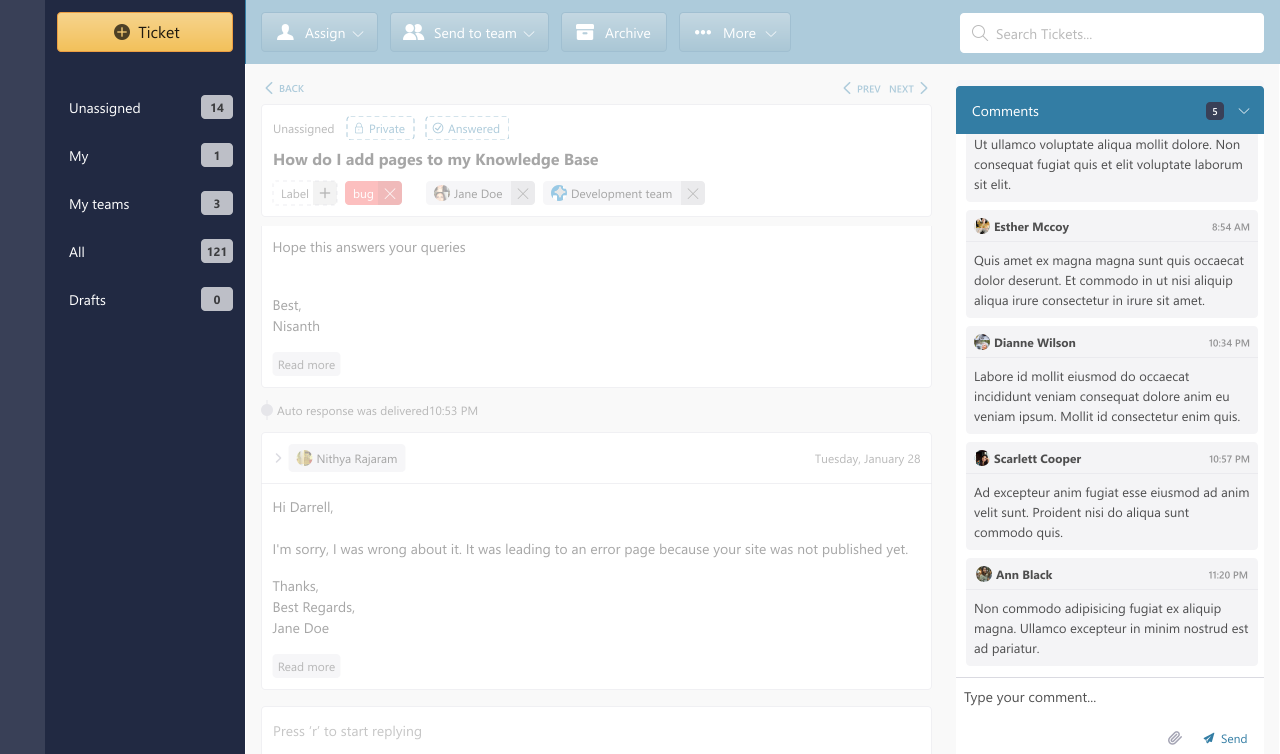
Use private comments to ask a colleague for input before replying to a client. Draft a response and have a senior team member review it. The client only sees the final reply - all internal discussion stays behind the scenes.
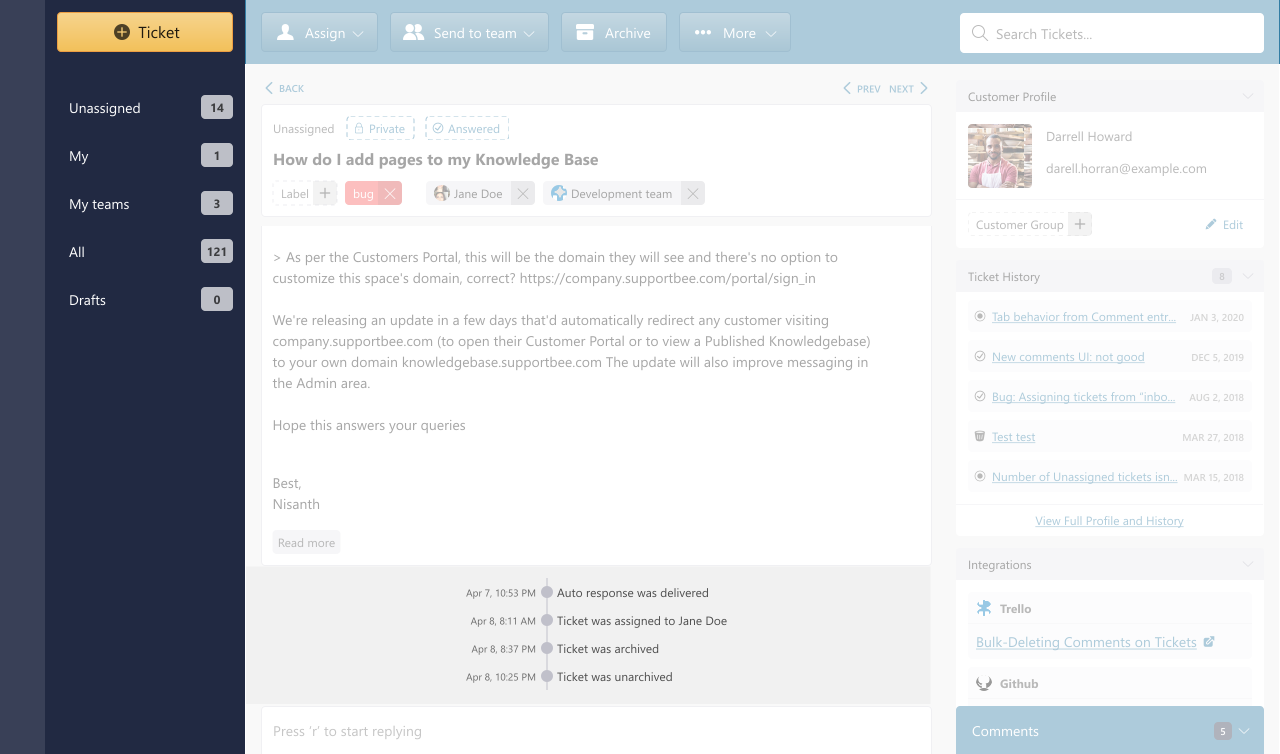
A full audit trail for every client interaction
Every email, reply, internal comment, and assignment is recorded. When a colleague is on leave or a client changes accountants, anyone at the firm can pick up exactly where things left off. No gaps, no guesswork.
Beyond email
Tools that help your firm deliver better client service
Knowledge Base for your firm
Document tax procedures, filing checklists, and answers to common client questions. Your team finds answers faster. New hires get up to speed without asking the same questions.
Client Portal for secure access
Give clients a private portal to check the status of their requests, view past conversations, and submit new questions. Especially useful during tax season when clients want updates without calling.
Integrations for accounting firms
Connect SupportBee with the tools your firm already uses



Questions about SupportBee for accounting firms?
Common questions from accounting teams evaluating SupportBee
How is a shared inbox different from sharing a password to one email account?
When your team shares a single email login, you have no way to know who read what, who replied, or who is working on a client's request. Two people might reply to the same email. Important messages get marked as read before anyone acts on them.
A shared inbox like SupportBee gives every team member their own login while showing all client emails in one place. You assign emails to specific people, leave internal notes, and see the full history of every conversation. Everyone has accountability without the chaos of a shared password.
Can clients see internal discussions about their emails?
No. Private comments and internal notes are only visible to your team. Clients only see the replies you send them. You can discuss a response with a colleague, loop in a partner for review, or flag something for follow-up - all without the client knowing.
How does the client portal help during tax season?
During busy season, clients want to know if you received their documents and when their return will be ready. Instead of fielding those calls and emails, you can point them to the client portal. They see the status of every request they have submitted, read your replies, and send follow-up questions - all in one place.
This cuts down on status-check emails so your team can focus on the actual work.
How long does it take to set up SupportBee for an accounting firm?
Most firms are up and running in under an hour. You connect your existing email address (like [email protected]), invite your team, and set up teams for your departments. There is no software to install and no IT department required. SupportBee works in any web browser.
From our blog
Guides and comparisons to help you choose the right support tools.