Manually sorting every support email? Your team has better things to do.
Let rules handle the routine so your team can handle the conversations
As your team grows, so does the volume of repetitive tasks -routing tickets to the right person, sending acknowledgments, typing the same reply for the tenth time today. These small tasks add up and eat into the time your team could spend actually helping customers.
SupportBee's automation tools take care of the routine. Filters sort and assign tickets the moment they arrive. Snippets give your team instant access to pre-written replies. Auto-responders acknowledge every customer immediately. And integrations keep your other tools in sync -all without anyone lifting a finger.
Automation that works the moment you set it up
Simple rules, instant results -no code required
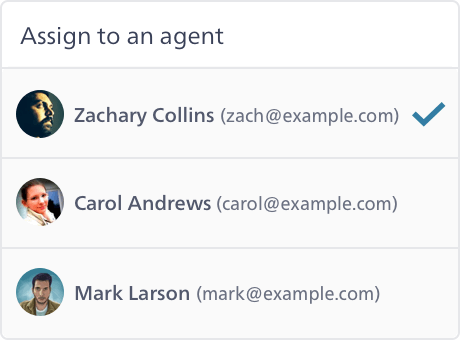
Filters: Route Tickets Automatically
Set up rules to automatically assign, label, or route tickets based on sender, subject, or content. For example, route all billing inquiries to your finance team, or auto-label tickets from VIP customers. Filters run on every incoming ticket so nothing slips through the cracks.
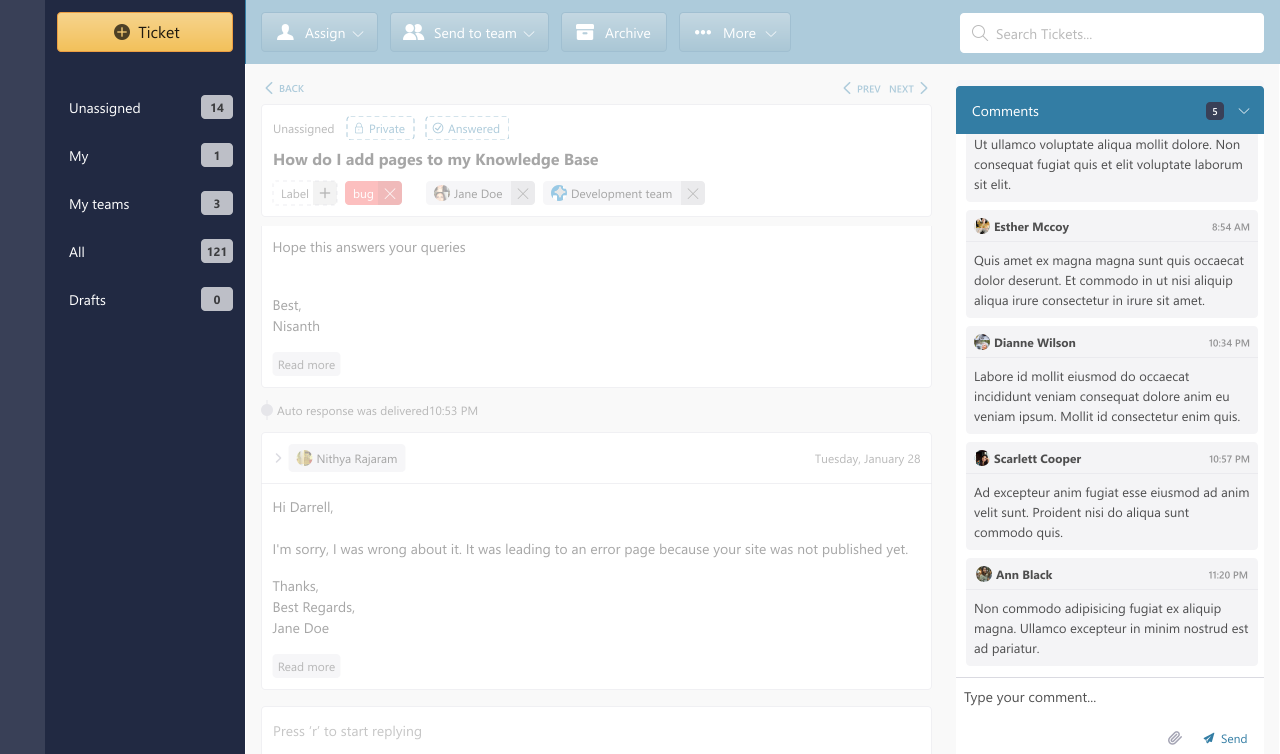
Snippets: Reply in Seconds, Not Minutes
Save your most common replies as snippets and insert them with a couple of clicks. Snippets support rich text, links, and attachments -so your team sends consistent, thorough responses every time without typing them from scratch. You can even search your knowledge base articles directly from the snippet picker.
Auto-Responders: Acknowledge Every Customer Instantly
Set up automatic responses so customers know their message was received -even outside business hours. Auto-responders can be customized per email address, so each brand or department sends its own acknowledgment. You can also configure after-archive responses to follow up when a ticket is resolved.
Integrations: Connect Your Existing Tools
SupportBee integrates with the tools your team already uses -Slack, Asana, Trello, Pipedrive, GitHub, and more. Get notified about new tickets in Slack, create tasks in your project management tool, or sync customer data with your CRM. All without leaving SupportBee.
Built for teams that want simplicity, not complexity
Set up in minutes, runs automatically from day one
No-Code Setup
Create automation rules through a simple interface. Pick conditions, choose actions, and you're done. No scripting or technical knowledge required.
Works Immediately
Filters and auto-responders start working the moment you save them. Every new incoming ticket is evaluated against your rules automatically.
Connects with Your Tools
With integrations for Slack, Trello, Asana, and more -plus webhooks and a full API -SupportBee fits into your existing workflow.
Questions about customer service automation?
Find answers to the most common questions. Contact us for anything else.
What is customer service automation?
Customer service automation uses rules, templates, and integrations to handle repetitive support tasks without manual effort. Instead of a human sorting, routing, and responding to every email, automation tools do it instantly based on conditions you define.
For example, when a customer emails your billing address, a filter can automatically assign it to your finance team and add a "billing" label -before any agent even sees the ticket. Auto-responders acknowledge the customer's message immediately, and snippets let agents reply in seconds with pre-written, consistent responses. The goal isn't to replace your team -it's to free them from repetitive work so they can focus on the conversations that actually need a human touch.
What can I automate in SupportBee?
SupportBee offers several automation features that work together:
Filters -Create rules that run on every incoming ticket. You can automatically assign tickets to specific agents or teams, add labels, or star important tickets based on sender email, subject line, or message content.
Snippets -Save common replies as reusable templates. Insert them with a click and customize them for each customer. Your team stays consistent without retyping the same answers.
Auto-responders -Send automatic acknowledgment emails when a customer writes in. Customize the message per email address so each department or brand has its own response.
Integrations -Connect SupportBee to Slack, Trello, Asana, Pipedrive, GitHub, and other tools. Automate notifications, task creation, and data syncing across your stack.
Do I need technical skills to set up automation?
Not at all. SupportBee's automation tools are designed for non-technical teams. Filters use a simple form where you pick conditions (like "sender contains" or "subject includes") and actions (like "assign to" or "add label"). Snippets are created in a rich text editor -just write your reply and save it. Auto-responders are configured through your email settings with a text field for the message.
Most of our customers are up and running with automation in minutes without any help from their IT department.
How are filters different from workflows?
In SupportBee, filters are rule-based automations that evaluate every incoming ticket against conditions you define. When a ticket matches, the filter takes action -like assigning it, labeling it, or starring it. Filters are simple to set up and cover the most common automation needs for small and mid-sized teams.
Filters work together with other automation features like snippets, auto-responders, and integrations to give your team a complete automation toolkit without the complexity of visual workflow builders that larger enterprise tools offer.
From our blog
Guides and comparisons to help you choose the right support tools.