 Start Free Trial
Customer portal software for small support teams
Give your customers visibility into their support requests
SupportBee's customer support portal gives your customers a dedicated space to track their requests. They see what is open, what has been answered, and what needs their reply. No more wondering if their email disappeared into a black hole.
Create your own client portal
A frictionless experience for your customers and your team
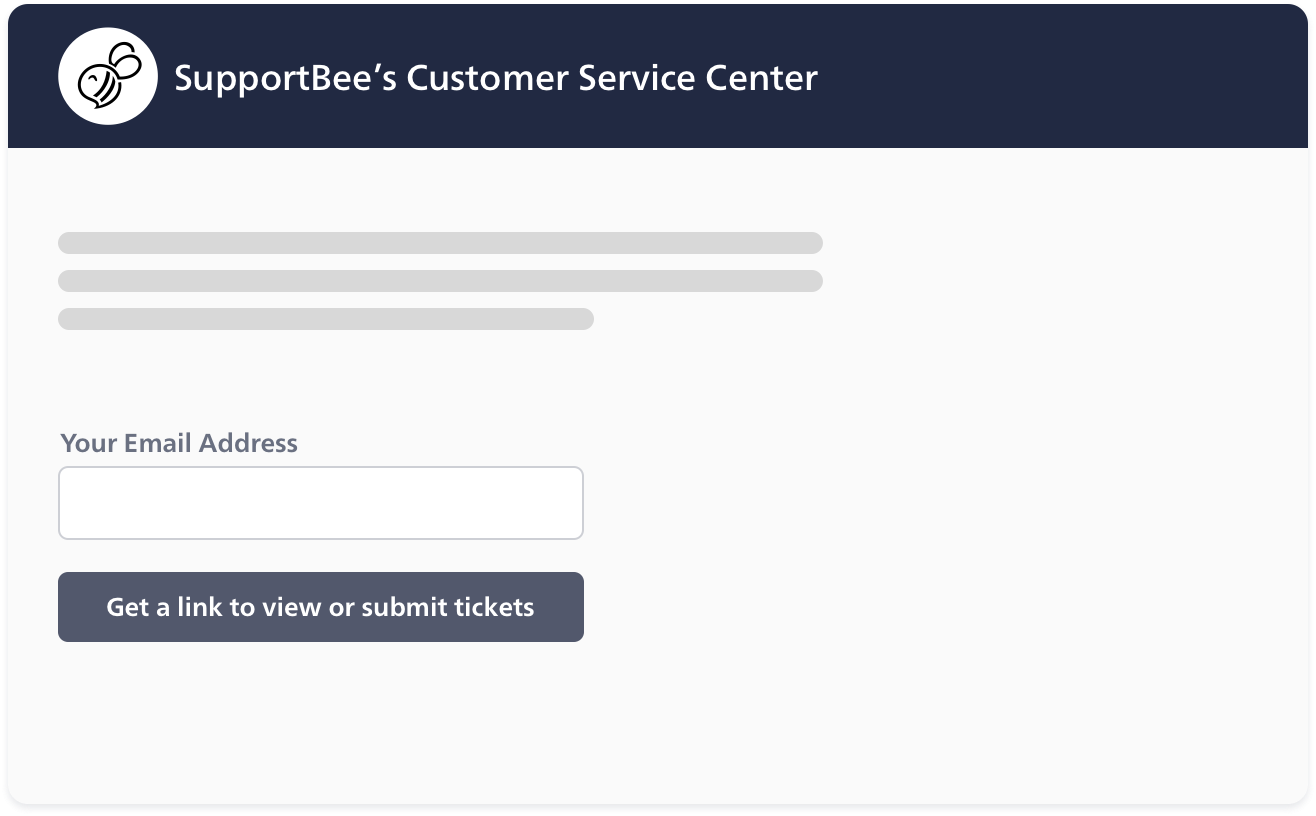
Easy Access - Your clients don't need to remember a login
Customers access the portal through a private link - no passwords to remember. The link is included in every reply to their support requests. They can also visit the public portal and receive a link by email.
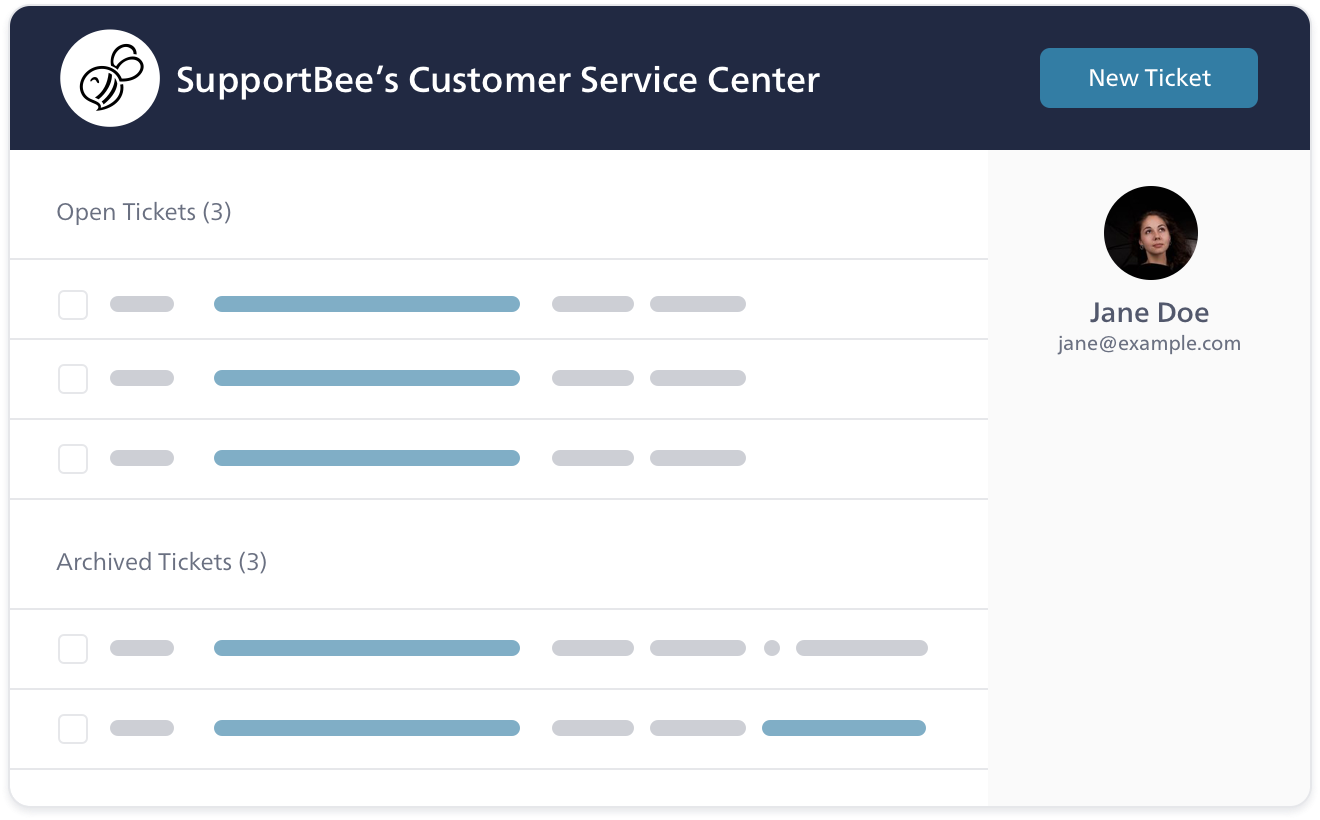
A bird's eye view of all their support tickets
The customer portal shows every support request in one place. Customers view past conversations and answers, so they never ask the same question twice. Combined with a knowledge base, they get a complete self-service experience.
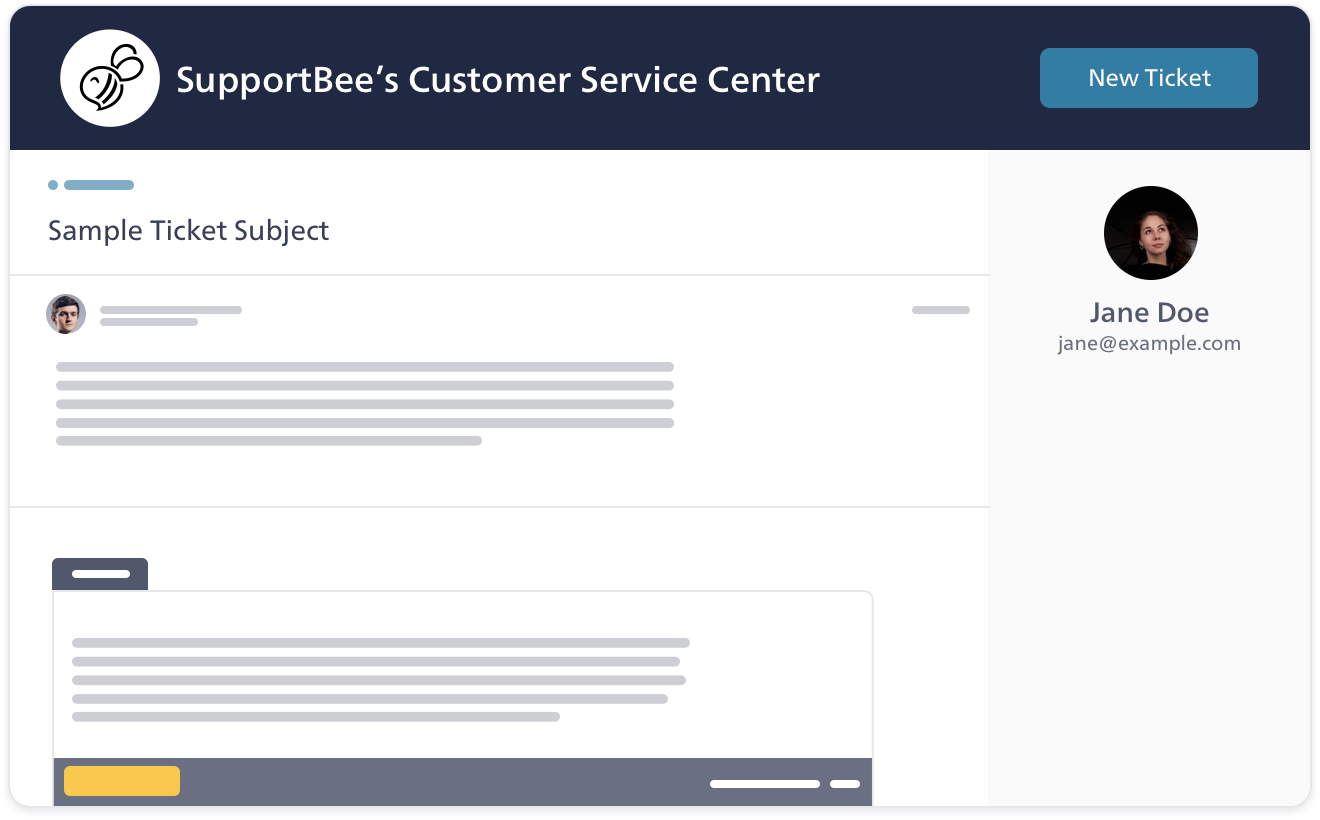
Ability to send new tickets and reply to existing tickets
Customers create new requests directly from the portal. You can pre-fill details like category and priority, so customers spend less time filling out forms and more time getting help.
Brand your customer portal
Your customer portal is truly your own
Design options for your client portal
Brand the portal with your logo and colors. Customers see a consistent experience across your website and portal.
Your domain name
Use a custom domain to make the portal feel like part of your site, not a third-party tool.
HTTPS for privacy and security
The portal runs over HTTPS. Customer data stays private and secure. We are also GDPR-compliant.
Questions about customer portal software?
Here are answers to the most common questions about setting up, and using a customer portal
What is a customer service portal?
A customer service portal is a private space where customers manage their own support requests. They log in through a private link or password and can check ticket status, read help articles, and submit new requests.
Most customers expect this. In a Microsoft survey, 90% said they want brands to offer a self-service portal. Portals build trust through transparency. They also reduce ticket volume by letting customers find answers on their own. Your team spends less time on routine questions and more time on issues that need human judgment.
What makes a good customer portal?
A good portal is easy to find, easy to use, and helpful from the first visit. Three things matter most:
1. Customization - Match the portal to your brand and your customers' needs. Add your logo, colors, and a custom domain. Customers should feel the portal was built for them.
2. Self-service content - Pair the portal with a knowledge base so customers find answers before creating tickets. Include FAQs, how-to guides, and product docs.
3. Simple navigation - Put the most common actions front and center. Customers should submit a ticket, check status, or search articles in one click. Do not bury these behind menus. For a detailed comparison of tools, see our guide to the best customer portal software. Accounting firms and professional services teams can also check our client portal guide for accountants.
Why do support teams need customer portal software?
Without a portal, customers send an email and wait. They do not know if anyone received it or is working on it. So they send follow-up emails asking for updates. Each one adds work for your team.
A portal fixes this. Customers track their own tickets, view past conversations, and submit new requests. Your shared inbox gets fewer status-check emails. Add a knowledge base and customers solve routine problems before they ever create a ticket. Small teams get the same customer support infrastructure as larger companies, without the complexity.
Is a paid customer portal better than one that's free?
It depends on what you need. A free portal works if your needs are basic - simple ticket tracking with little customization. But most teams outgrow free tools fast.
Paid platforms add features that matter as you scale: custom branding, a built-in knowledge base, customer groups for B2B teams, and integrations with your help desk. These features turn a basic portal into a real self-service hub. Look at your team size, customer volume, and which features you need. Then pick a tool that fits.
From our blog
Guides and comparisons to help you choose the right support tools.