Shared Inbox Blogs

Shared Mailbox vs Distribution List: The Difference
Shared mailbox vs distribution list: the real difference, when to use each, and how they compare in Microsoft 365 and Google Workspace.
Help Desk and Project Management: 7 Integrations That Work
Connect your help desk with project management tools like Linear, Asana, and Trello. Turn support tickets into tasks without switching tools.
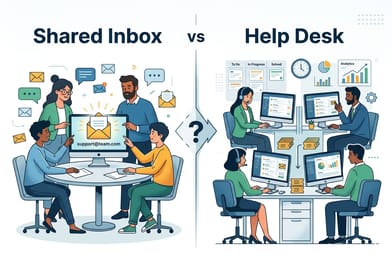
Shared Inbox vs Help Desk: Which Does Your Team Need?
Shared inbox vs help desk - compare features, pricing, and team fit. Find the right email collaboration tool for your support workflow.
6 Best Business Email Services for Small Teams (2026)
Google Workspace vs Microsoft 365 vs Zoho vs Proton - which email service fits your small business? Side-by-side comparison with pricing and setup tips.
The 7 must-have features in an email collaboration software
Not all shared inbox tools are built equal. Here are the 7 email collaboration features your team actually needs -- from real-time updates to flexible pricing.
6 Reasons to Use a Shared Inbox for Customer Support
Wondering if a shared inbox is worth it? Here are six reasons why shared inbox software beats shared passwords, forwarded emails, and basic mailboxes.
Best Shared Inbox Software (2026)
Looking for shared inbox software? Compare 25 shared inbox solutions to manage emails, assign conversations, and collaborate on customer support.