 Start Free Trial
Emails slipping through the cracks?
Your team needs more than a shared password — it needs team inbox software
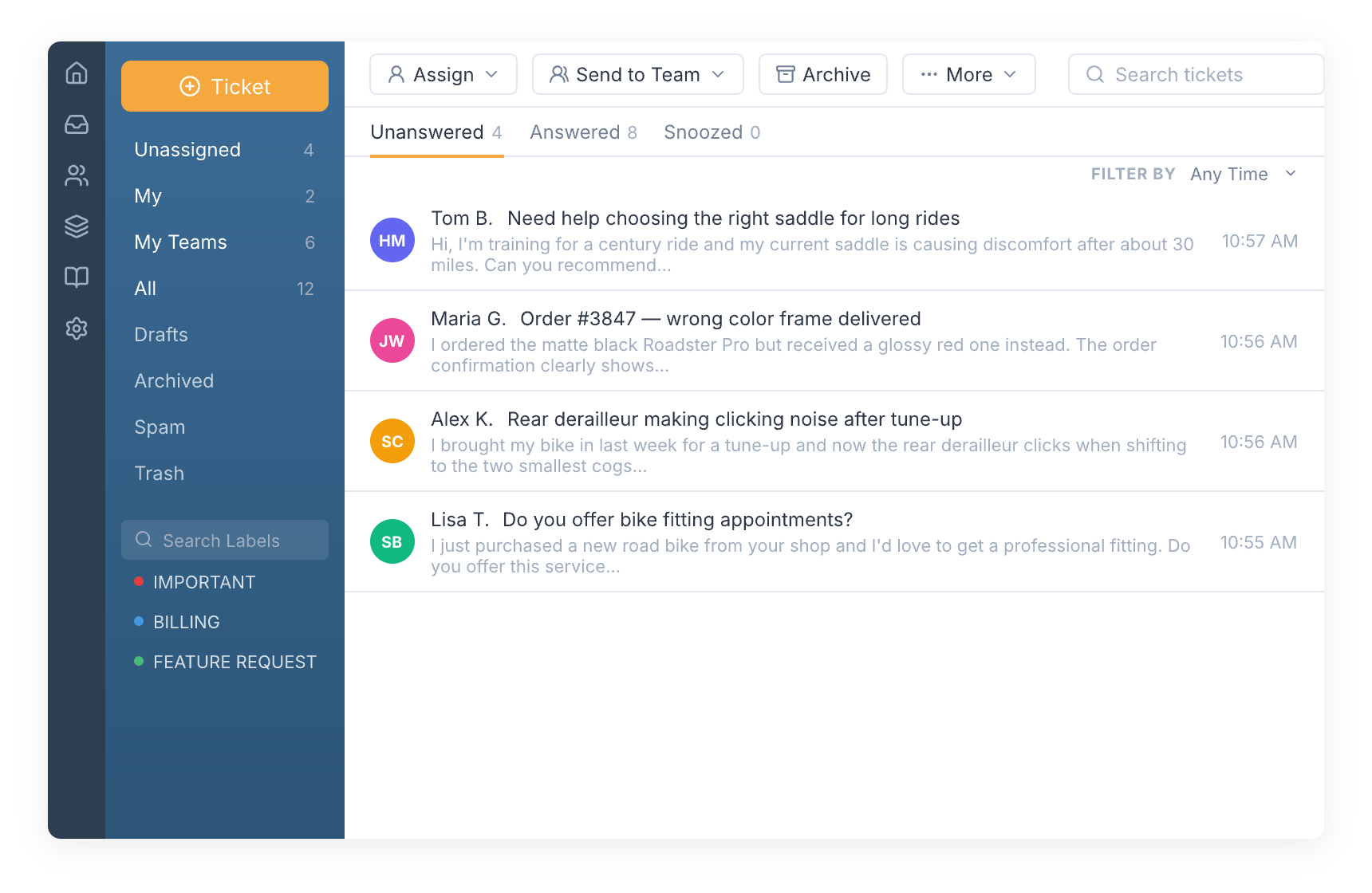
Most teams start with a shared email account. It works at first. But as your team grows, sharing one login breaks down fast. Emails get missed. Two agents reply to the same customer. Nobody knows who owns what.
SupportBee's team inbox software fixes this. Your team gets the familiar feel of email with real collaboration built in. Assign tickets to the right person. Discuss issues with internal comments. Share draft replies for review before sending. Every email is tracked, assigned, and visible to the whole team.
Everything your team needs to collaborate on email
The features that make shared email actually work
Lightning Fast
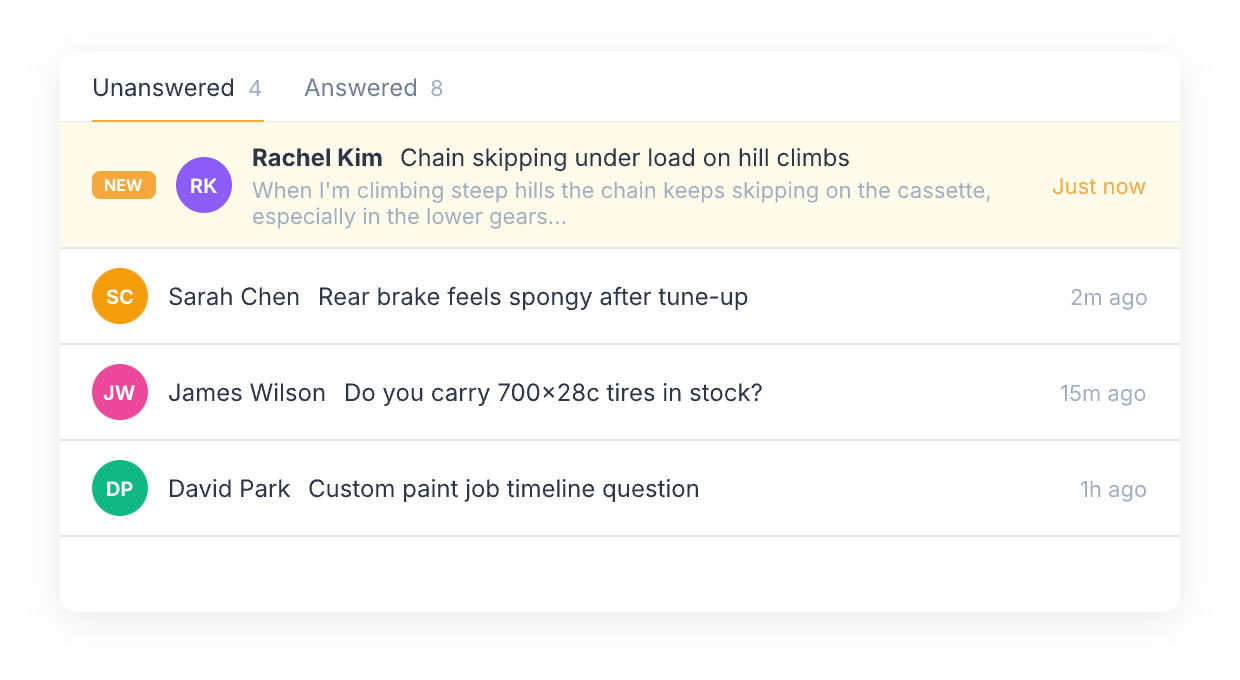
New tickets show up in your team inbox within a minute. Screens update on their own — no need to hit refresh.
Simple Workflow
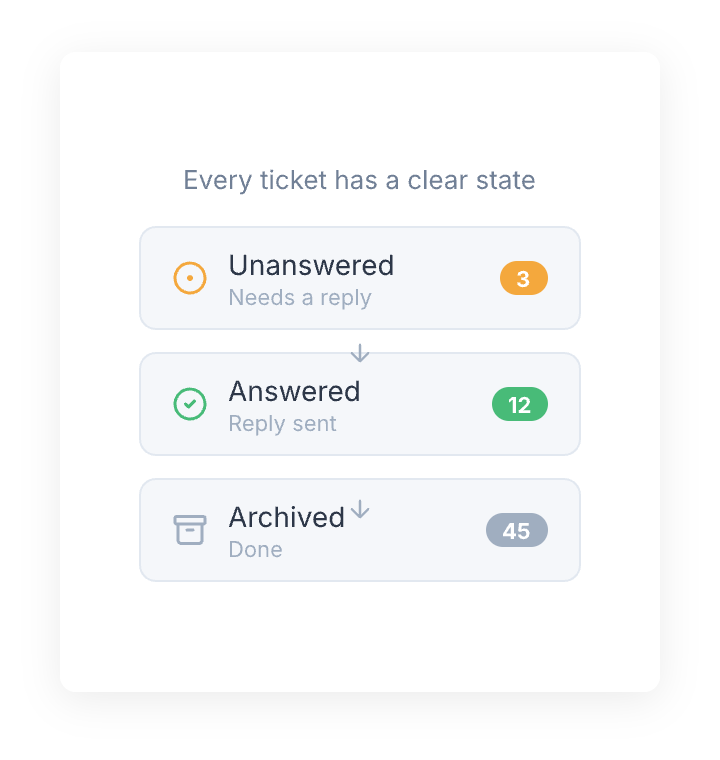
Every ticket in your team inbox is either Answered, Unanswered, or Archived. You always know what needs attention. Add labels to organize tickets your way.
Comments for Discussions
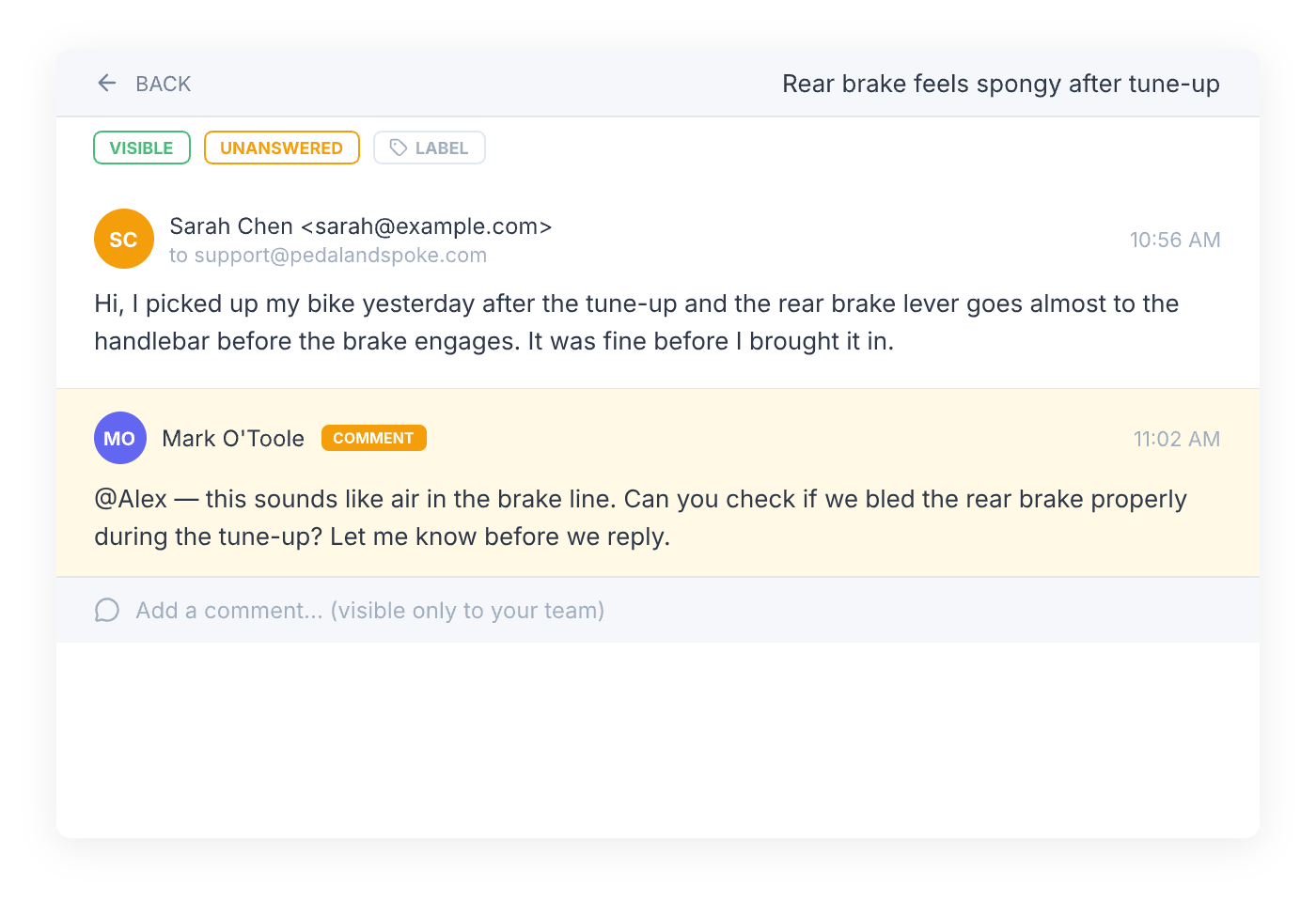
Need input from a teammate? Add a comment to any ticket. Comments are private — your customers never see them. It's a quick way to loop someone in without forwarding emails around.
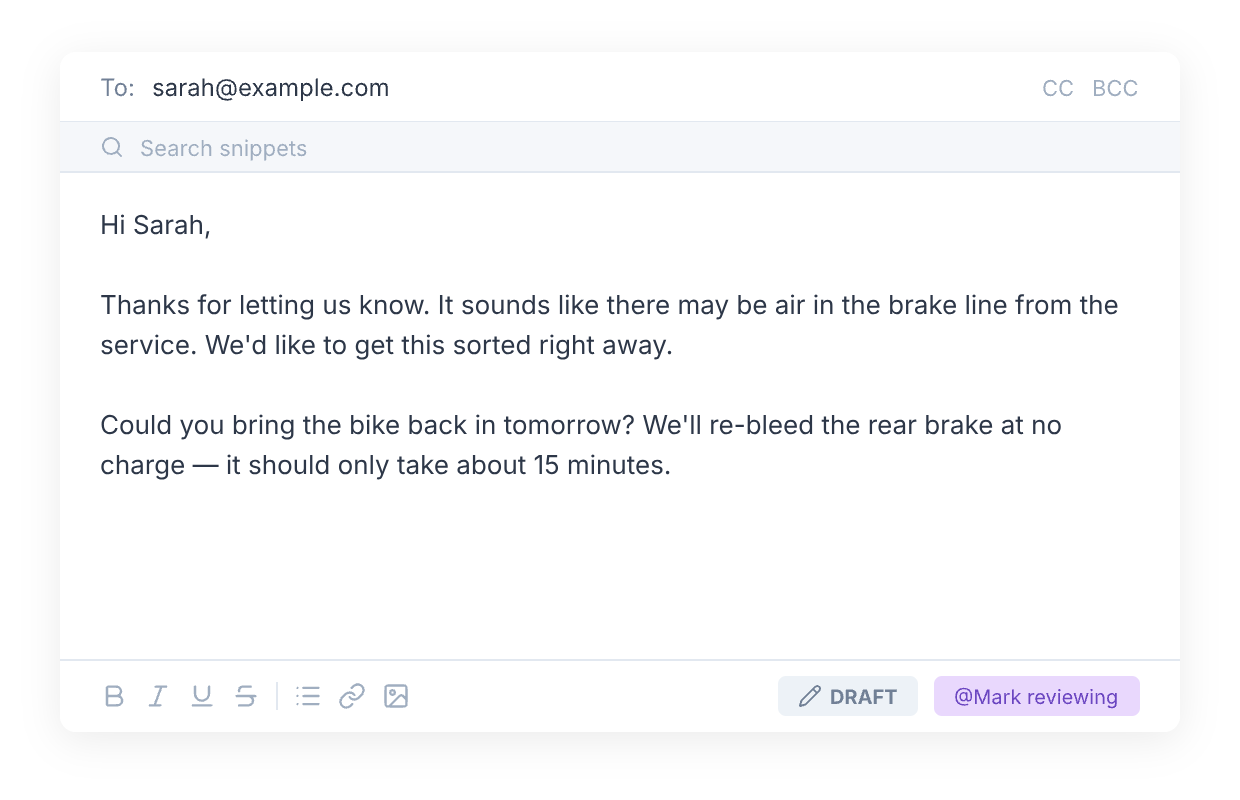
Draft Replies
Writing to an important customer? Save your reply as a draft and tag a teammate to review it before you send. Fewer mistakes, better answers.
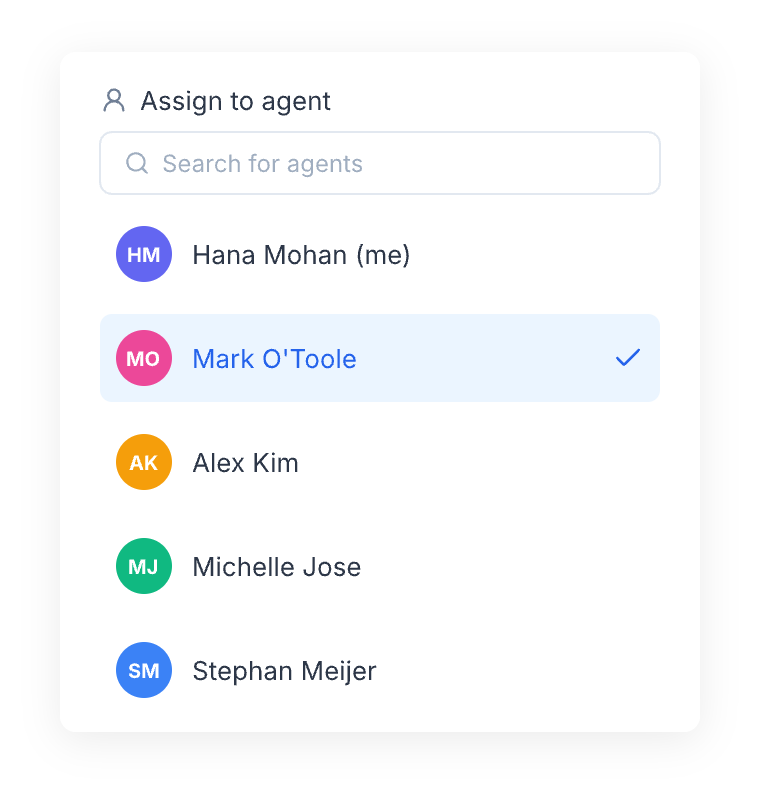
Assignments
Assign any ticket to a specific agent. Each agent gets a private inbox with just their tickets, split into Answered and Unanswered. Everyone knows what they own.
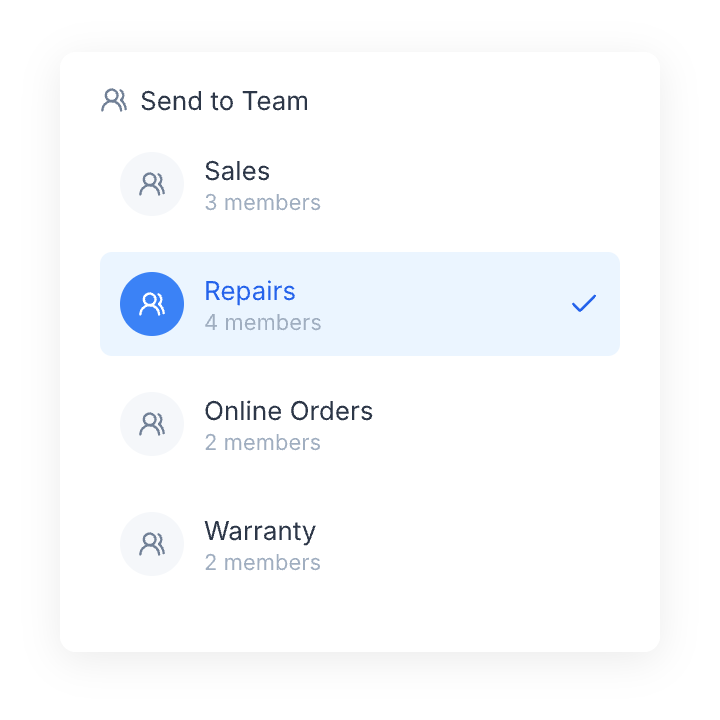
Teams
Create teams for each department — Sales, Repairs, Billing. Assign tickets to a team, then to a specific member. Each team gets its own inbox view. Mark a team as private so only its members and admins can see assigned tickets.
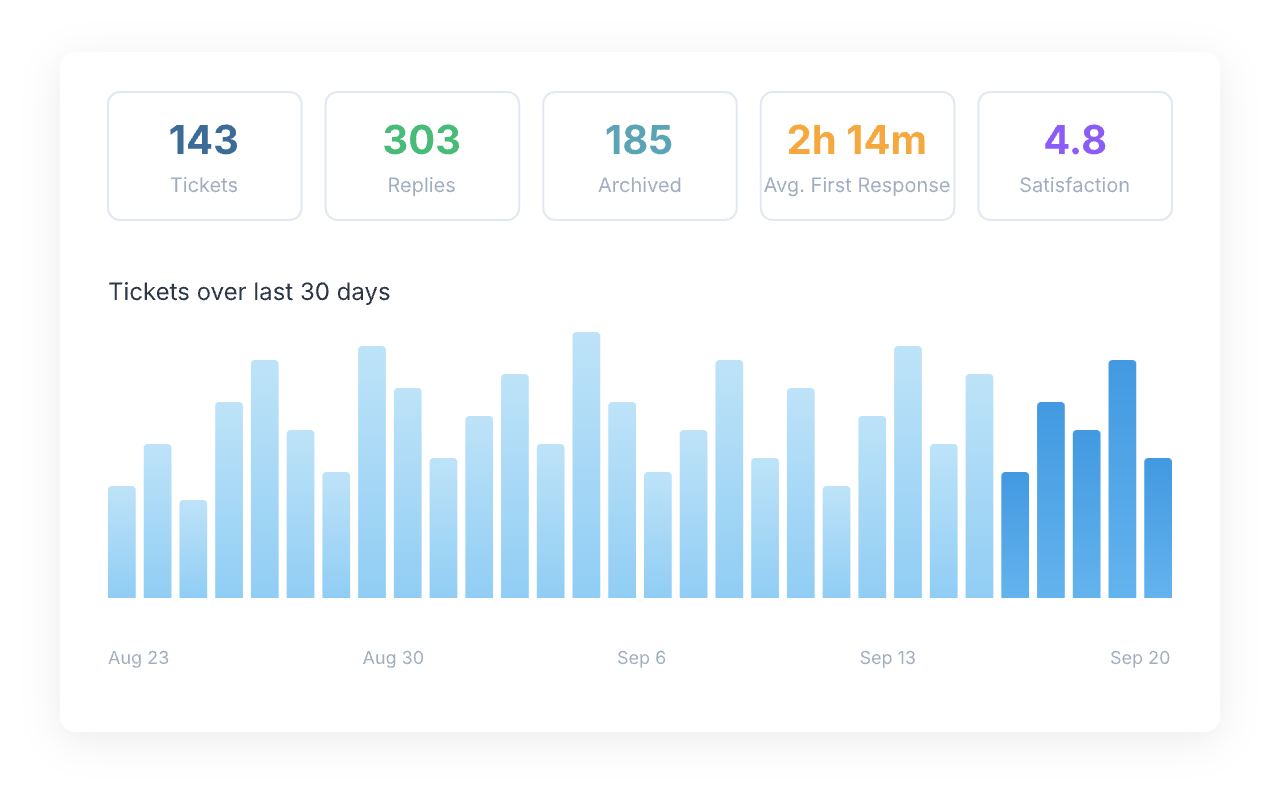
Reports
Track what matters: first response time, ticket volume, and replies per agent or team. See trends over 30 days. Filter by agent, team, or label to find what needs attention.
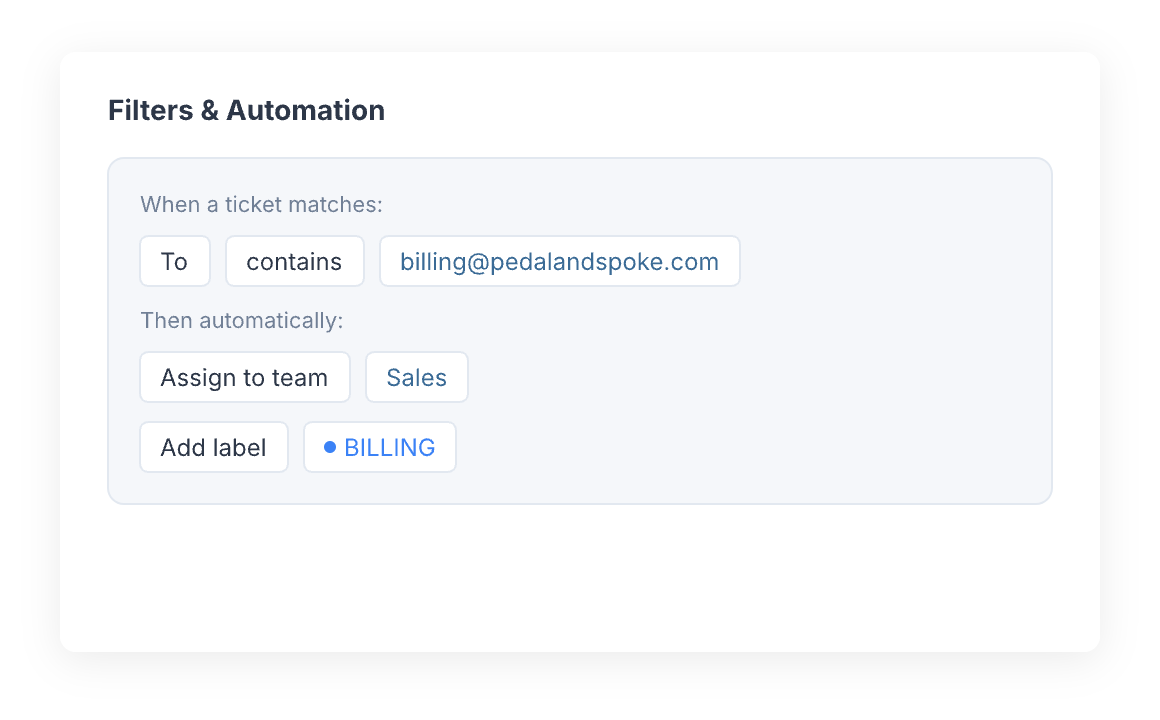
Automation
Use Snippets for quick replies. Set up Filters to route tickets automatically. Connect with popular customer service software through integrations. Scale your customer support without losing the personal touch.
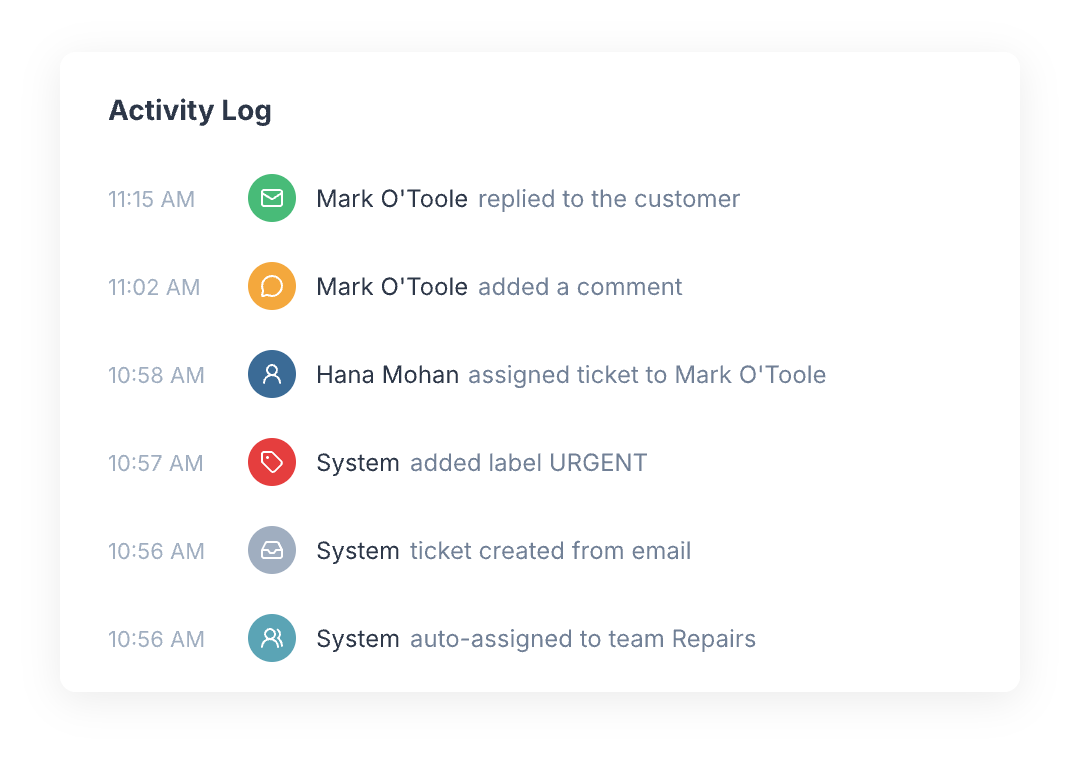
Audit Trail
Every action on a ticket is logged — who did what and when. When multiple people handle customer emails, this accountability keeps the team honest and makes it easy to trace any issue.
From our blog
Guides and comparisons to help you choose the right support tools.